Freelance developers: your client calls are your content
Dailies Studio is a Chrome extension that records your video calls with clients and cuts captioned vertical shorts from them, ready to post. You know that a visible freelance developer gets to choose their projects, and you would far rather write code than film yourself talking about it. The good news: you already talk about it. On every call you explain a technical choice to someone who is not a developer, and that is exactly what a future client wants to hear.
Page up to date as of October 15, 2026
14.8 h
Which of a freelance developer’s calls make good shorts?
Your week is made of code and a few calls. Dailies Studio reads each call from start to finish and keeps up to eight passages of 30 to 90 seconds that really share value: the ones where you translate the technical side for someone who has a decision to make.
Technical scoping
The client asks whether everything has to be rewritten. You explain what a rewrite costs and what is gained by fixing first. A trade-off every business owner will have to make one day.
The architecture review
You justify a simple choice over a fashionable one, in plain language. It is the proof that you think of the client’s project before you think of your CV.
The estimate
You say why your estimate is a range and what would move it. Few developers explain that; those who do reassure the client before the quote has even arrived.
The end-of-sprint demo
You say what was delivered and why it matters to the user. The short shows you explaining it, not your screen: what people see is how well you explain.
Why start from your calls rather than a video shoot?
On a call, you talk to a non-developer
A tutorial speaks to other developers, who will never hire you. On a call you talk to the person who signs: your explanations there are already pitched at your future clients.
Nothing to learn, nothing to edit
No editing software, no script, no microphone to buy. You hold your call; the shorts are ready a few minutes after you hang up, with silences, hesitations and false starts cut out.
Your code stays out of the shorts
A short shows whoever is speaking, never the shared screen. One switch blurs your clients and disguises their voice, and your recordings train no model.
What kind of shorts can a freelance developer post?
These are the kinds of titles a freelance developer’s shorts carry. None is a tutorial: they are answers to clients’ questions, the ones that come before a signature.
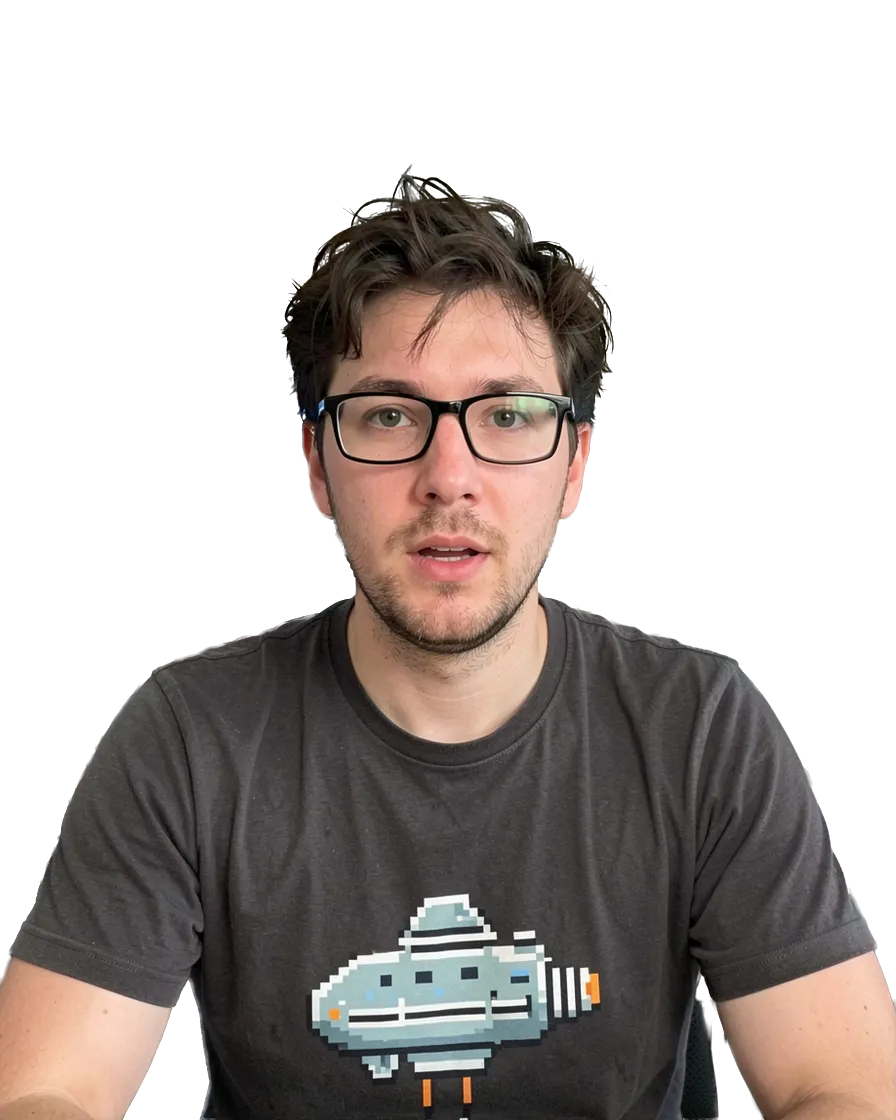
Rebuild or fix?
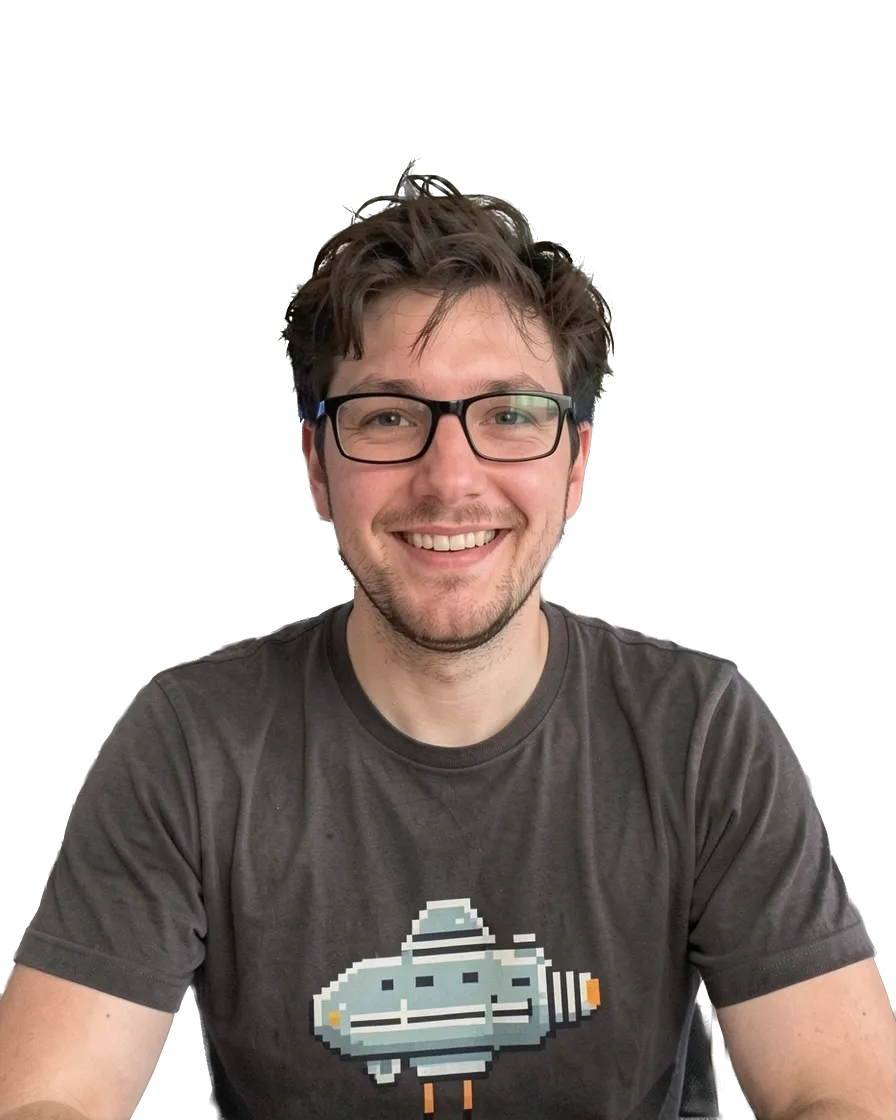
Why my quote is a range
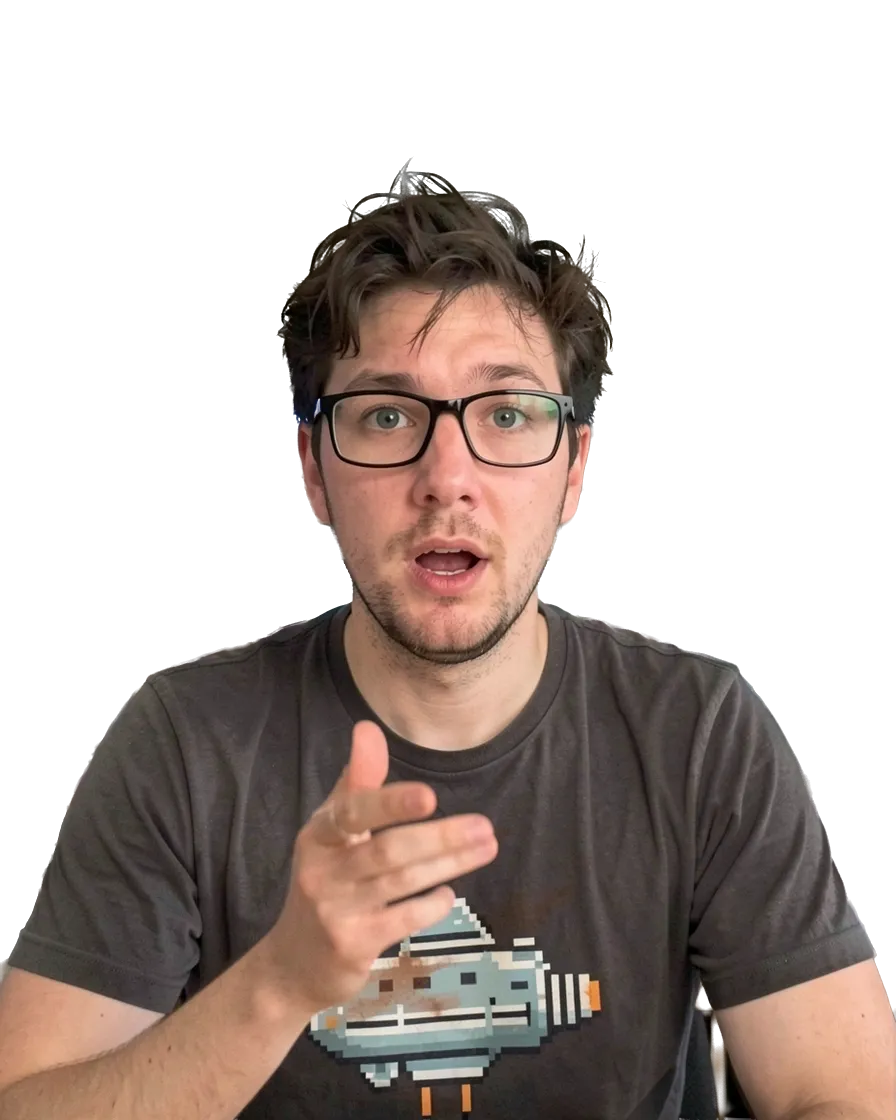
Technical debt, without the jargon
The simple choice I stand by
Your MVP is too big
What I ask before I write code
How does Dailies Studio work?
Hold your video call, as usual.
Open your call in Chrome, on Google Meet, Microsoft Teams or Zoom. Our proprietary technology records the call, your microphone and your webcam, without you having to think about it.
We spot what is worth watching.
We go through the whole call with a fine-tooth comb and keep up to eight passages that stand on their own. Silences, hesitations, false starts: we cut them. You have nothing to edit.
Framed to convert on a smartphone.
Your future clients find you on their phones. Each short fills the screen with you, or with your guest when they speak: all the attention goes to what is said. One switch blurs your guests.
Captioned and dressed in your image.
We tailor the captions and the look from one of our templates or from your own brand guidelines. All your shorts follow, so people recognise you at first glance.
One call, up to eight shorts.
Your shorts are ready within the hour after your call. We pick the right moment for each one and orchestrate their release on your networks. Your publishing schedule stays in front of you: if a date doesn’t suit you, you move it.
What about the confidentiality of your calls?
What I say on a call belongs to my clients: can I make shorts from it?
What your client paid for is an answer to their own situation, and that is not what Dailies Studio looks for. It rates every passage on what it reveals that is private or confidential, turns down those that reveal something and keeps the ones that make sense outside the call: a piece of advice, a method, an opinion. That is a model’s judgement, not a guarantee. So nothing is published without you: you watch every short before planning it, and when one does not suit you, you say why and Dailies Studio leaves that subject out of your next calls. Your contract with your client remains the rule.
Nobody must know I work with this client: what do the shorts show?
One switch blurs your guests and disguises their voice in all your shorts; on a new account, it is on from the start. A short mostly shows you, explaining. That leaves what is said: if a passage names your client or describes their company, the blur changes nothing. That is why Dailies Studio turns down the passages that reveal something private, and why you have the last word: a short Dailies Studio proposes is not a short that is posted.
Do my calls stay stored on a server?
Your calls do reach a server, since Dailies Studio has to receive them to cut your shorts from them, but the original files do not stay there: the sound and picture of a processed call are deleted 10 days after processing, 15 days at the latest. What stays is what your shorts are made of, that is, the only pieces of video they use, and the call’s transcript, until you delete the call, which you can do at any time. You choose which calls you record, and your recordings train no model.
Frequently asked questions
What tool can a freelance developer use to make videos?
If you want neither to film nor to edit, start from your calls. Dailies Studio is a Chrome extension that records the calls you hold on Google Meet, Microsoft Teams or Zoom, spots the passages that really share value and makes up to eight captioned vertical shorts per call from them.
Does Dailies Studio film my screen or my code?
Dailies Studio records the call tab, your microphone and your webcam, but a short shows only whoever is speaking, reframed vertically. Your shared screen and your code do not appear in it: your explanations are what make the short.
Do I have to tell my client that the call is being recorded?
Yes: telling your client is up to you, before you begin. In the shorts Dailies Studio cuts, one switch blurs your guests and disguises their voice, and you then decide what you plan: nothing else is published.
Are my recordings used to train an AI?
No. The recordings Dailies Studio makes of your calls train no model, neither ours nor anyone else’s. They serve one purpose: making your shorts, which you plan and which Dailies Studio publishes for you.
Which languages does Dailies Studio handle?
Dailies Studio handles calls in French and in English. Every short arrives captioned, in the style you choose.
Your next client call is already planned.
Thirty minutes with us to set Dailies Studio up. Then record it, and get back to your code. The shorts will be waiting for you a few minutes after you hang up.
Book a call